Developer Tools
A reference guide for the suite of utilities designed to streamline common development tasks.
Overview
The Developer Tools page provides a collection of utilities to handle common tasks like code formatting and data transformation. These tools are integrated directly into SAGE, eliminating the need to rely on external websites or third-party applications, which can be a security risk.
The interface is straightforward: select a tool from the dropdown menu, provide your data in the 'Input' panel, and click Execute. The processed data will appear in the 'Output' panel, ready to be copied.
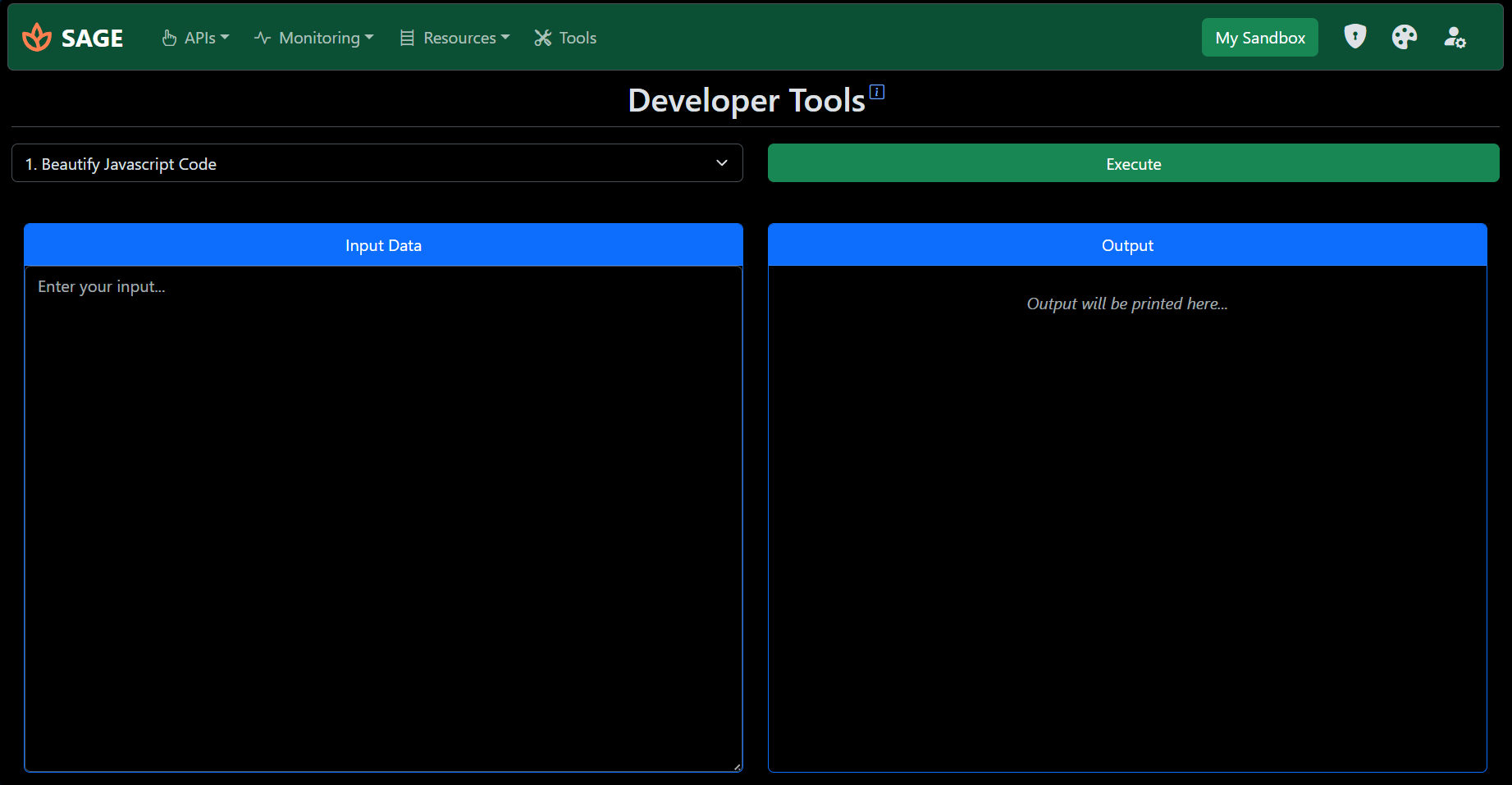
Code Beautifiers
These tools help format code to make it more readable and easier to debug.
JavaScript Beautifier
Ideal for formatting JavaScript code used in STEP Business Rules. Properly indented and formatted code is crucial for maintainability, especially when working with complex logic or when using the 'Edit Externally' feature with an IDE like VS Code.
XML Beautifier
This tool is essential for working with any XML-based configuration in STEP. Use it to format WebUI XML exports, STEPML files, or any other XML data to improve readability and easily identify structural issues.
IP List Converters
These specialized tools simplify the management of IP whitelists in the STEP SaaS Self-Service Portal.
CSV to STEP IP JSON
This tool converts a simple comma-separated list of IP addresses and their descriptions into the specific JSON format required for bulk import into the portal's 'IP access control list'.
Provide your input with each entry on a new line in the format: IP_ADDRESS,Description. The tool will then generate the JSON content that you can save and import directly into the portal.
STEP IP JSON to CSV
This performs the reverse operation. If you export the IP list from the Self-Service Portal, it will be in a JSON format. Paste that JSON into the input box to convert it into a clean, human-readable CSV format. This is particularly useful for auditing purposes or for sharing the list with stakeholders.